Utilisation
Understanding how your assets are being used, and why.
Before you can start to improve a process, it’s usually a good idea to first identify where your blockages and inefficiencies are.
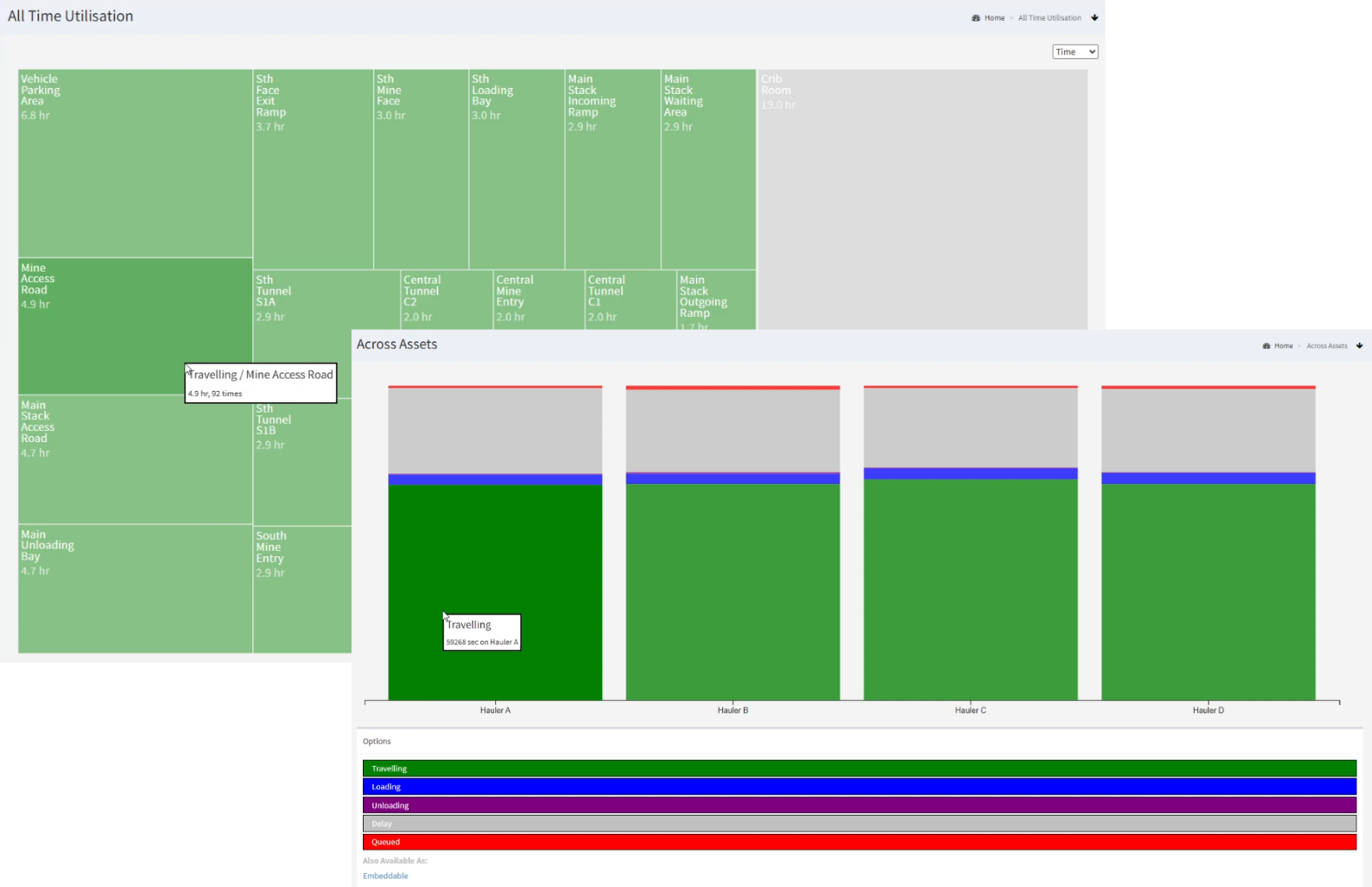
ARDIs Utilisation addon is designed to take your data and convert it into a status that lets you understand how your various assets (including fixed machinery, vehicles, and even human resources) have been utilised throughout the day.
It also allows you assets to have an optional secondary status, so instead of just “Stopped”, it shows as “Stopped – Out of Product”, or “Stopped – Blocked At Entrance”. This extra information helps explain why or where the issue is occurring. This small piece of extra data has a huge impact when it comes to making improvements, because it guides you to a solution to the problem instead of just letting you know that an issue exists.
Examples across many different types of application include…
Many processes have equipment cycles, such as when vehicles move product from place-to-place around a facility, or individual product batches in a manufacturing line.
The utilisation system can also help display information about these cycles, tracking assets as they go through a routine process to spot delays or unusual timing spikes and give you a simple but in-depth view of not only the timing of the cycles, but the moment-to-moment performance of the asset during the cycle.
Download a quick introduction to how you can turn simple data into valuable business insights with just a few clicks through our Distribution addon..

Press ‘Play’ on the video below to be introduced to the Utilisation addon and see how it’s used to identify delays and waste in a multi-vehicle application.